Welcome to the Adobe Premiere course
The course is perfect for anyone wanting to master the audiovisual market, with a direct and practical method that teaches you step by step how to produce and edit films through concise lessons and several hours of exclusive material.
Don't miss the chance to turn your passion into a practical skill!
The Adobe Premiere is a professional non-linear video editing software, the market leader, used to create, cut, colour and finish videos for film, TV and the internet.
Innovative video editing.
Edit and cut videos, add effects, mix audio and animate titles. Power up your workflow with AI and create complex masks with the Object Mask feature.
Start with just Premiere.
Create everything, from social media clips to feature films, with the industry-leading video editor.
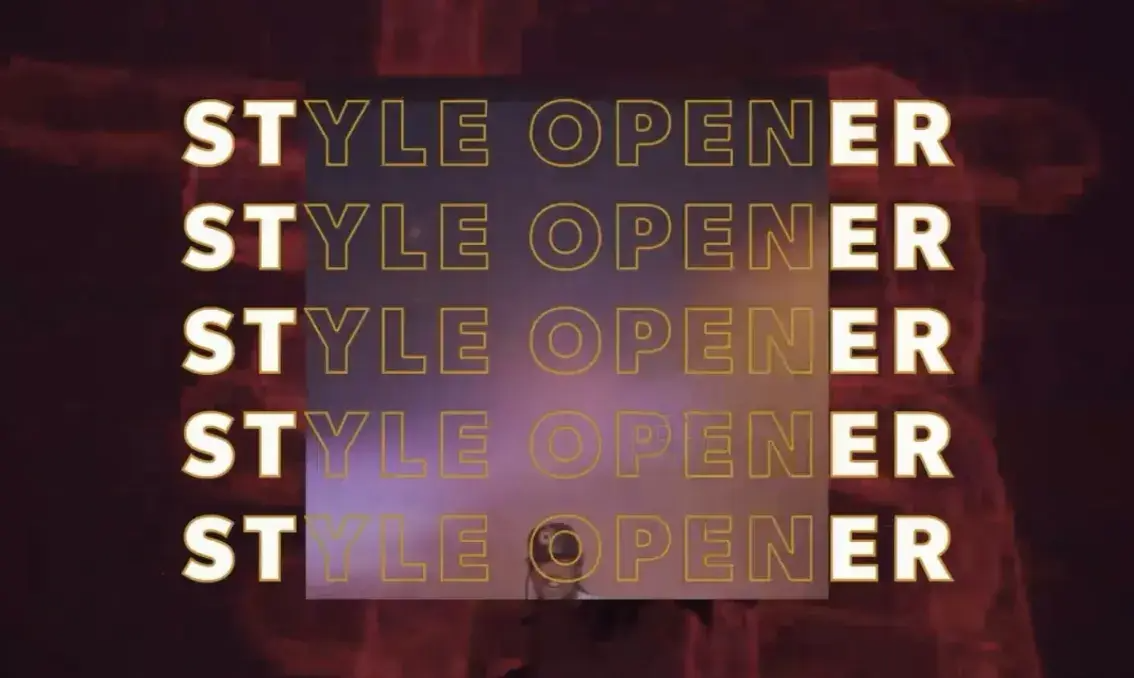
Eye-catching transitions, effects and titles.
Add animated titles with animation templates and create custom titles and illustrations.
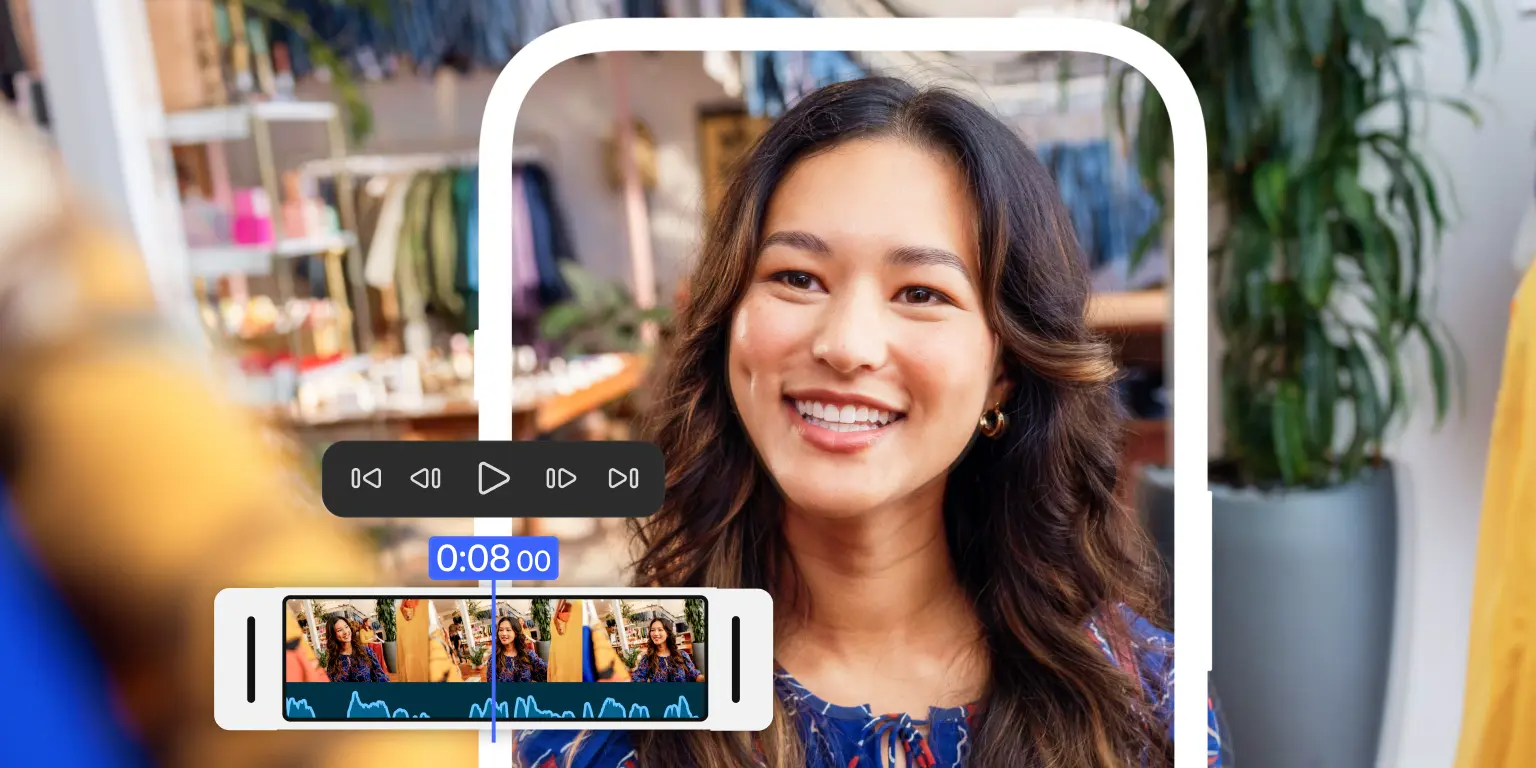
Premiere on iPhone: fast, free and focused editing.
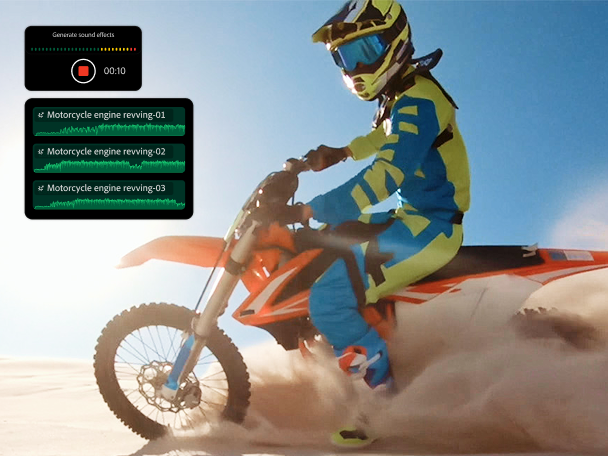
Advanced enough for any idea, yet simple for everyone. Unrivalled speed on a precise multitrack timeline, with studio-quality audio and AI-generated sound effects.
Customise the colours.
Bring your videos to life with colour correction to subtly shift the atmosphere and tone.

Non-Linear Editing
Professional market-leading software to create, cut, colour and finish videos.
Transitions & Effects
Add transitions, effects and eye-catching animated titles with animation templates.
Colour Correction
Customise colours to subtly shift the atmosphere and tone of your videos.
Audio Mixing
Adjust audio and mix music with AI-powered tools.
AI in the Workflow
Colour matching, auto-volume reduction and speech enhancement with AI.
Premiere on iPhone
Fast, free and focused editing, with studio-quality audio and Firefly.
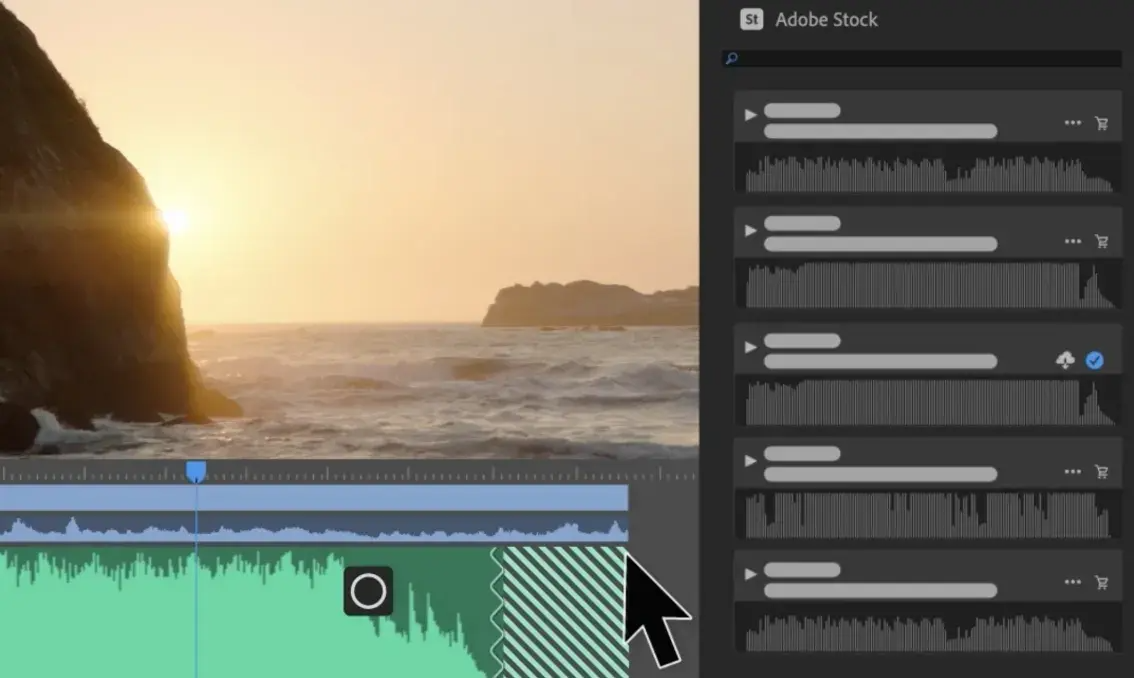
Adjust the audio and mix the music to make the sound amazing.
Remove the trial-and-error from audio editing with AI-powered tools in Adobe Premiere.
Use AI to speed up your workflows.
Colour matching, Auto-volume reduction and Enhance speech to save time and unleash creativity.
Extend audio and video clips.
Add frames, lengthen ambient sound and remove unwanted cuts with Firefly Generative Extend.
Create rough cuts with text-based editing.
Automatically generate the transcript, highlight text to add clips to the timeline and refine it like a document.
Get feedback and share the final video.
Add reviewers anywhere and cut review time with shared links and online feedback.
Beginner to advanced Adobe Premiere course | Author: Dreamland Film Academy | 12 x of R$ 25,85 * or R$ 249,90 upfront
How does the “Guarantee Period” work?
Every course at ACADEMY has a Guarantee Period — the time you have to request a full refund of the amount paid for your purchase if the product is unsatisfactory. Your refund is processed automatically by Hotmart within 7 days.
What is the digital Certificate of Completion and how does it work?
Some online courses offer a digital completion certificate. Students can issue this certificate at the end of the course or by contacting the Author. These certificates can be shared on social networks such as LinkedIn and included in curriculum information.
See available courses